Make your samples
work for your hardware.
BeatOS — The MakerLicious is an open-source Python sample-library browser and 16-pad drum kit workspace for beatmakers. Search and preview sounds, inspect supported Akai MPC projects, then prepare sample kits for hardware samplers.
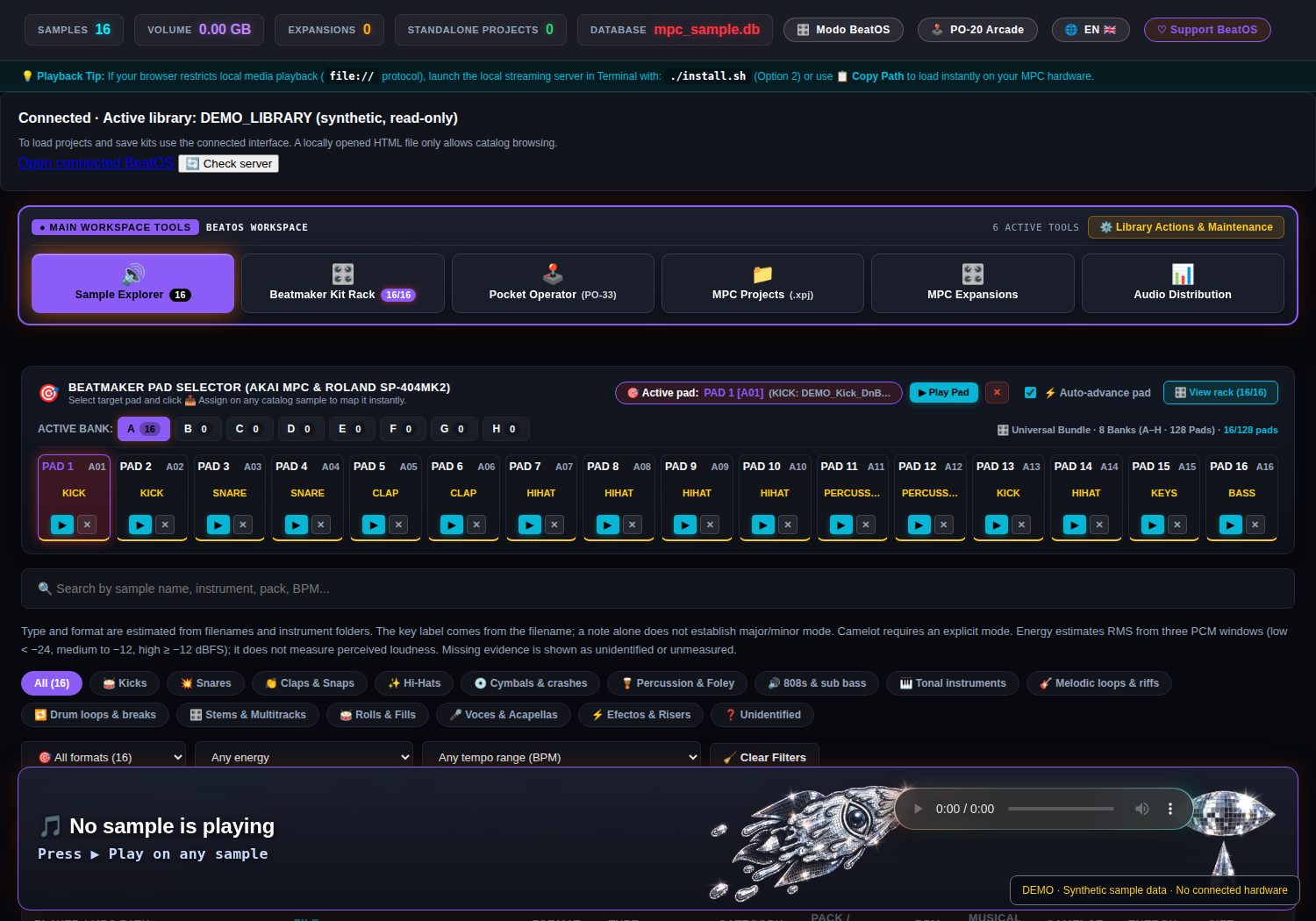
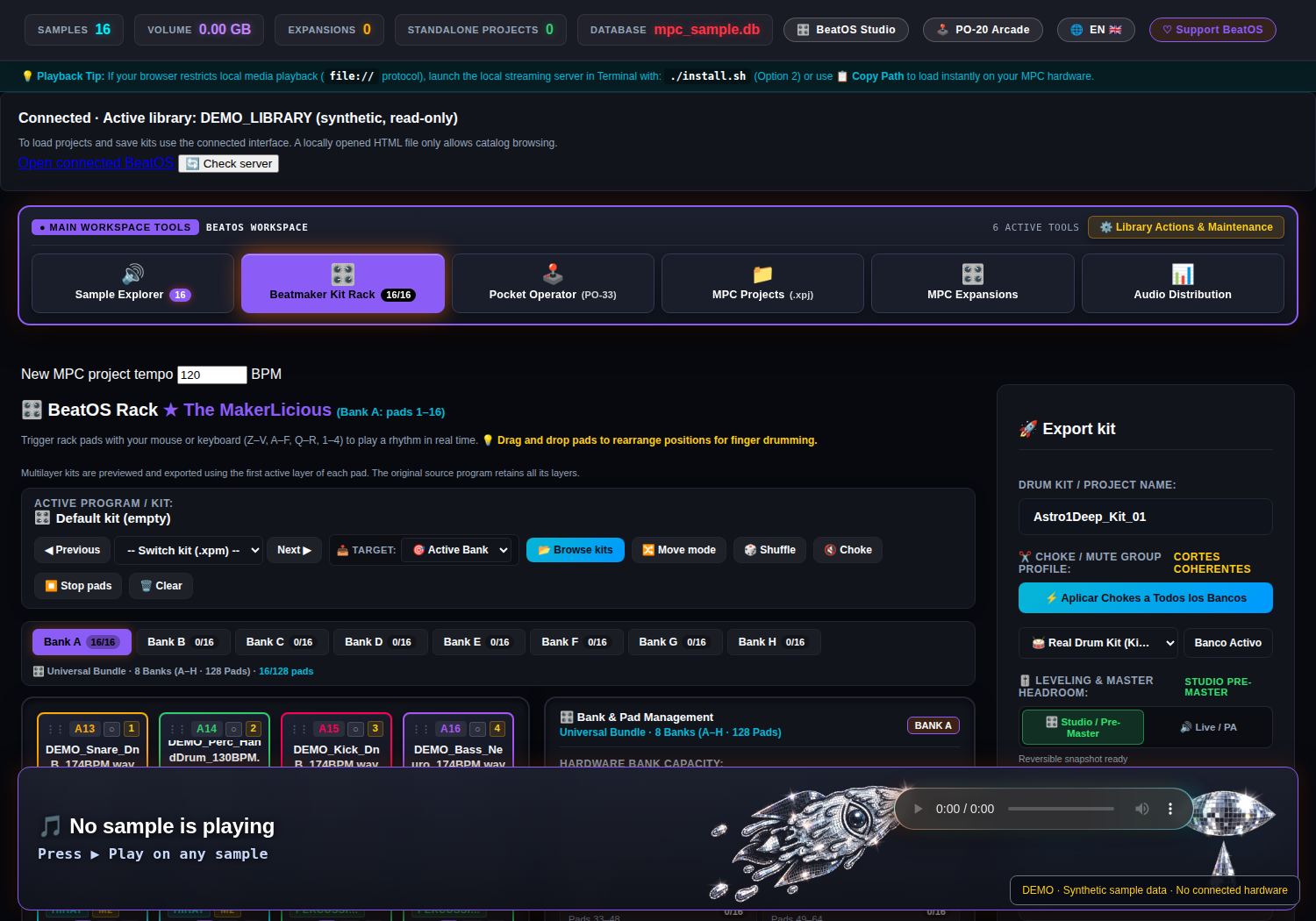
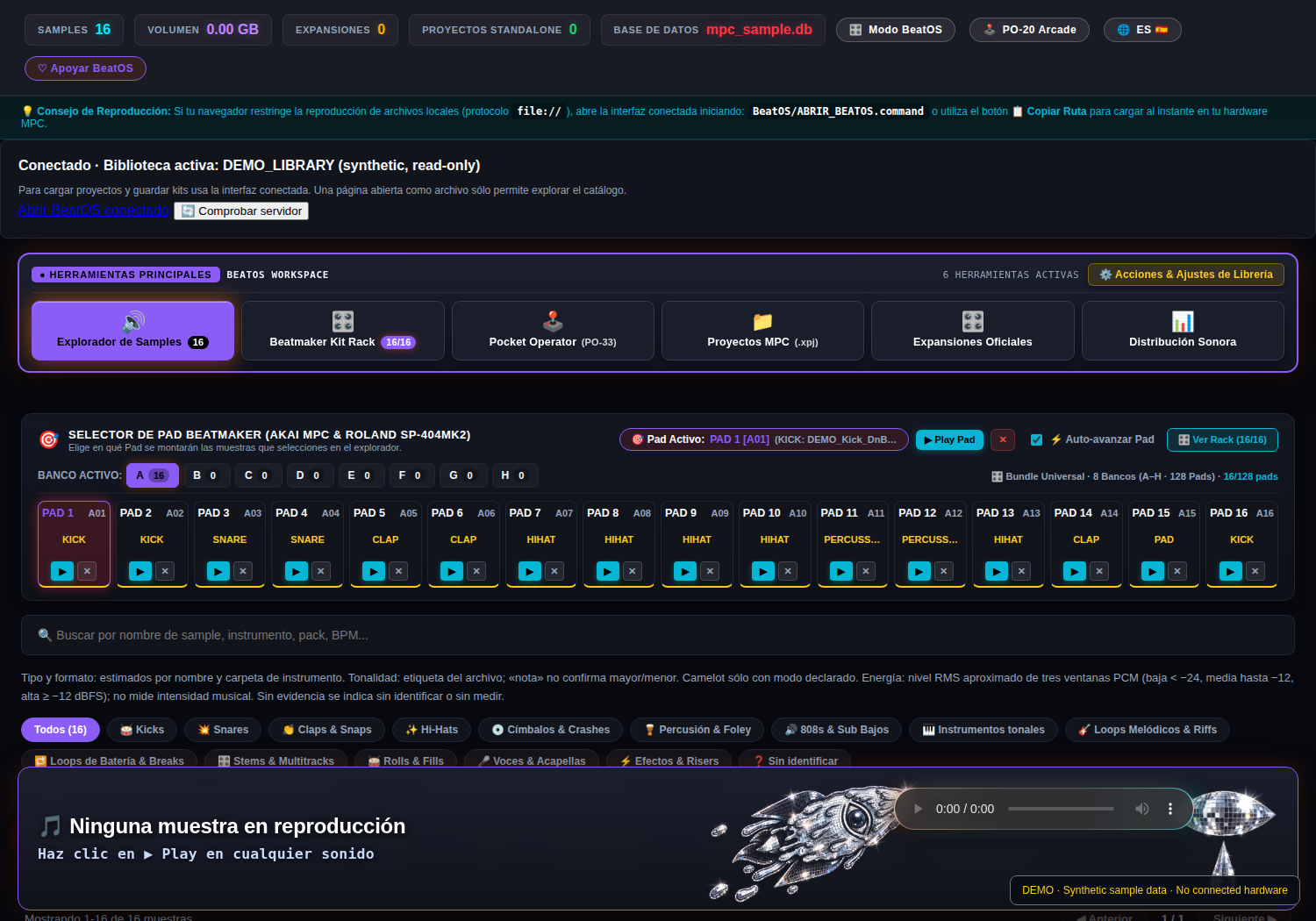
Actual BeatOS interface
What BeatOS actually does
Sample explorer and preview
Browse local WAV and compatible audio libraries. Filename-based BPM/key hints and RMS-window energy estimates are clearly distinguished from full audio analysis.
Akai MPC, Expansions & SampQOL
Inspect XPM/XPJ kits, generate Official MPC Expansion packs (.xml + .zip), export legacy MPC 1000/2000XL binary .PGM programs, and configure SampQOL OS safely.
Cerebro OS DSP & Auto-Chop
Analyze 3-band PCM timbre, 4/4, 3/4, 6/8 & 5/4 meter, Latin Clave & swing (Bolero, Soul, Jazz, Bossa, Cumbia, Drumless), then Auto-Chop & adapt to Hip-Hop/Lo-Fi.
8-Bank Rack & MPCTK Chromatics
Audition 128 pads across 8 banks with Mute Group chokes, spread tonal samples into 16-pad chromatic scales, and export to SP-404MKII, Maschine, PO-33 or EP-133.
Spanish and English
Language selection in the local web UI and bilingual manuals. Complete device-level and rare backend-error localization remains under verification.
Local and inspectable
Python, SQLite and a local HTTP player. No cloud upload is required for the basic sample browsing and kit-building workflows.
Getting started
- Download the release ZIP (not GitHub's automatic source ZIP) and verify its published SHA-256.
- Install Python 3.11+ and, if needed for conversion, FFmpeg.
- Follow the English installation guide or guía en español in the GitHub repository.
- Start BeatOS, index your own library, select EN or ES and build a 16-pad kit.
Detailed hardware compatibility and technical limitations are available before downloading.